Put names to the conversation.
Optional local speaker recognition helps distinguish voices on the other side. Name participants, merge duplicates, and correct a passage when needed.
 Get early access
PRIVATE MEETING NOTES. MADE FOR MAC.
Capture both sides of the conversation. Follow a live transcript.
Come back to what matters. All transcribed on your Mac.
Apple Silicon macOS 15.5 or later
01 / DURING THE CONVERSATION
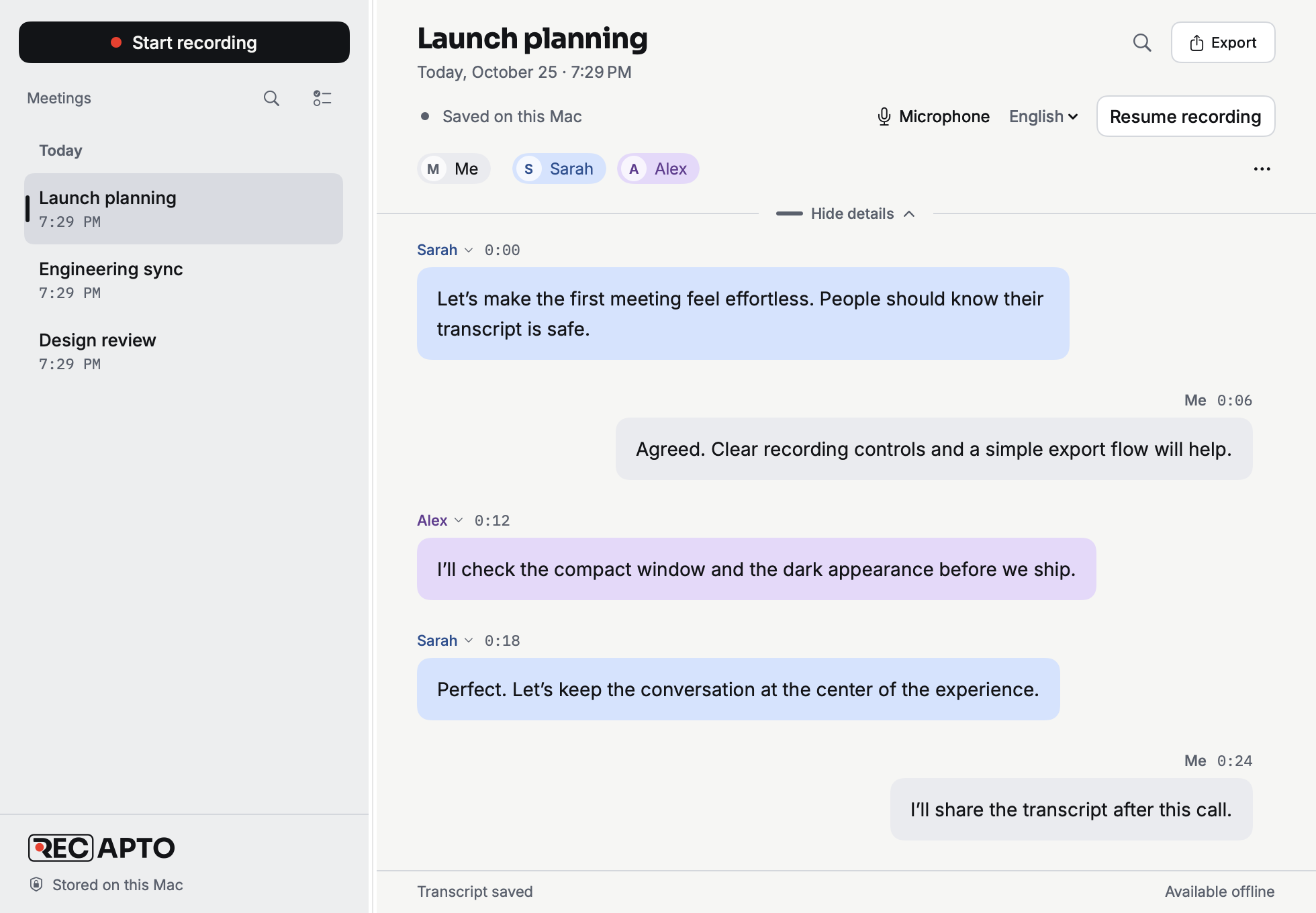
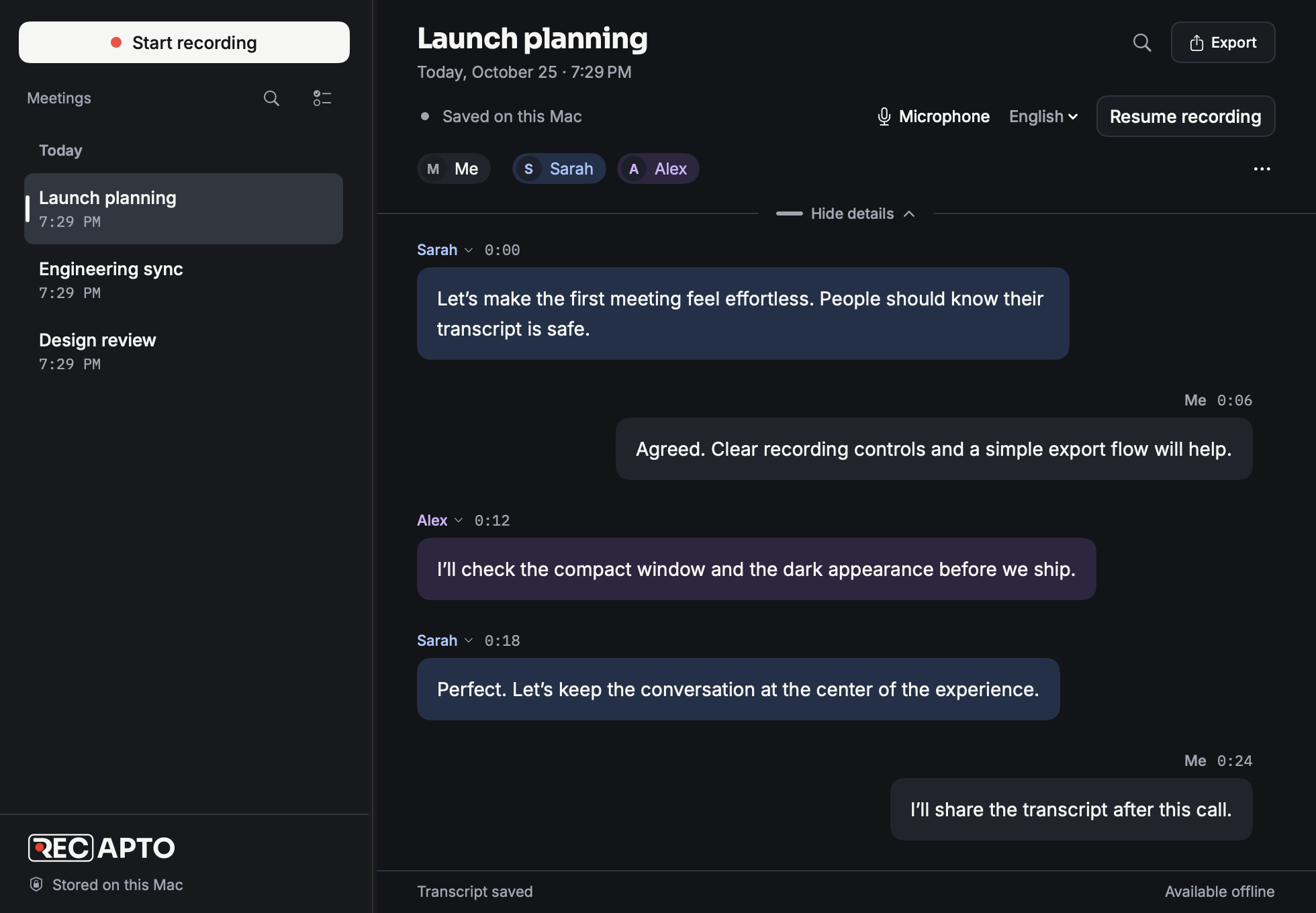
Your microphone is Me. Audio playing on your Mac is the other side. Recapto brings them together in a live, timestamped transcript, so you can follow the discussion without becoming the note taker.
A little more presence. A lot less typing.What if we made a little more room for the conversation?
And let the notes take care of themselves.
Exactly. That’s the part I want to remember.
Optional local speaker recognition helps distinguish voices on the other side. Name participants, merge duplicates, and correct a passage when needed.
Choose a supported language or automatic detection. You can change the meeting’s language while recording, without interrupting capture.
Start recording yourself, or let meeting detection help. Choose automatic recording, a quiet invitation, or keep it entirely manual.
02 / PRIVATE BY DESIGN
Some things should stay close. Your meeting audio is transcribed on your Mac using bundled models. Your transcripts are saved there, too.
Transcription runs on-device, without sending your audio to a cloud transcription service.
Reopen saved meetings and revisit the conversation in your local meeting library.
Copy a passage or export a transcript when you want to share it. You decide where it goes next.
03 / AFTER THE LAST GOODBYE
Find the detail you missed. Mark the moment that matters. Take your transcript into the way you already work.
Search saved transcripts and notes instead of trying to remember who said what.
Add notes or bookmarks alongside the conversation. Keep your own thinking next to the words.
Copy or export Markdown and plain text, with your choice of timestamps, speaker names, and notes.
A FEW THINGS TO KNOW

An Apple Silicon Mac running macOS 15.5 or later. You’ll grant microphone and system-audio recording access during setup.
Recapto captures your microphone and audio playing on your Mac as separate sides of a live transcript. System audio can include sounds beyond your call. There’s no meeting bot to add.
No cloud transcription service is involved. Bundled models process audio on your Mac, and your transcripts are saved locally. App update checks are separate from transcription.
Optional local speaker recognition helps distinguish voices in system audio. You can name participants, merge duplicates, and correct speaker labels. Recognition is best-effort and scoped to each meeting; it isn’t a voice identity database across meetings. Your microphone always stays Me.
Recapto supports 28 languages, with regional options and automatic language detection. New meetings start in English unless you change the default. You can also change the language during a recording.
Not yet. Today, Recapto focuses on live transcription, speaker labels, notes, search, and export. Generated summaries and calendar integration are planned.
Tell us a little about your workflow below. Applications are reviewed personally before invitations go out. The founder offer is €79 for lifetime app access for the first 20 accepted users, with onboarding and a direct feedback channel during the early release.
THE PRIVATE BETA
Team calls. Research interviews. Client conversations. If you’d like your meeting notes to stay on your Mac, we’d love to hear from you.
For the first 20 accepted users.
Apple Silicon · macOS 15.5+
We’re opening up Recapto to a small group of early users.